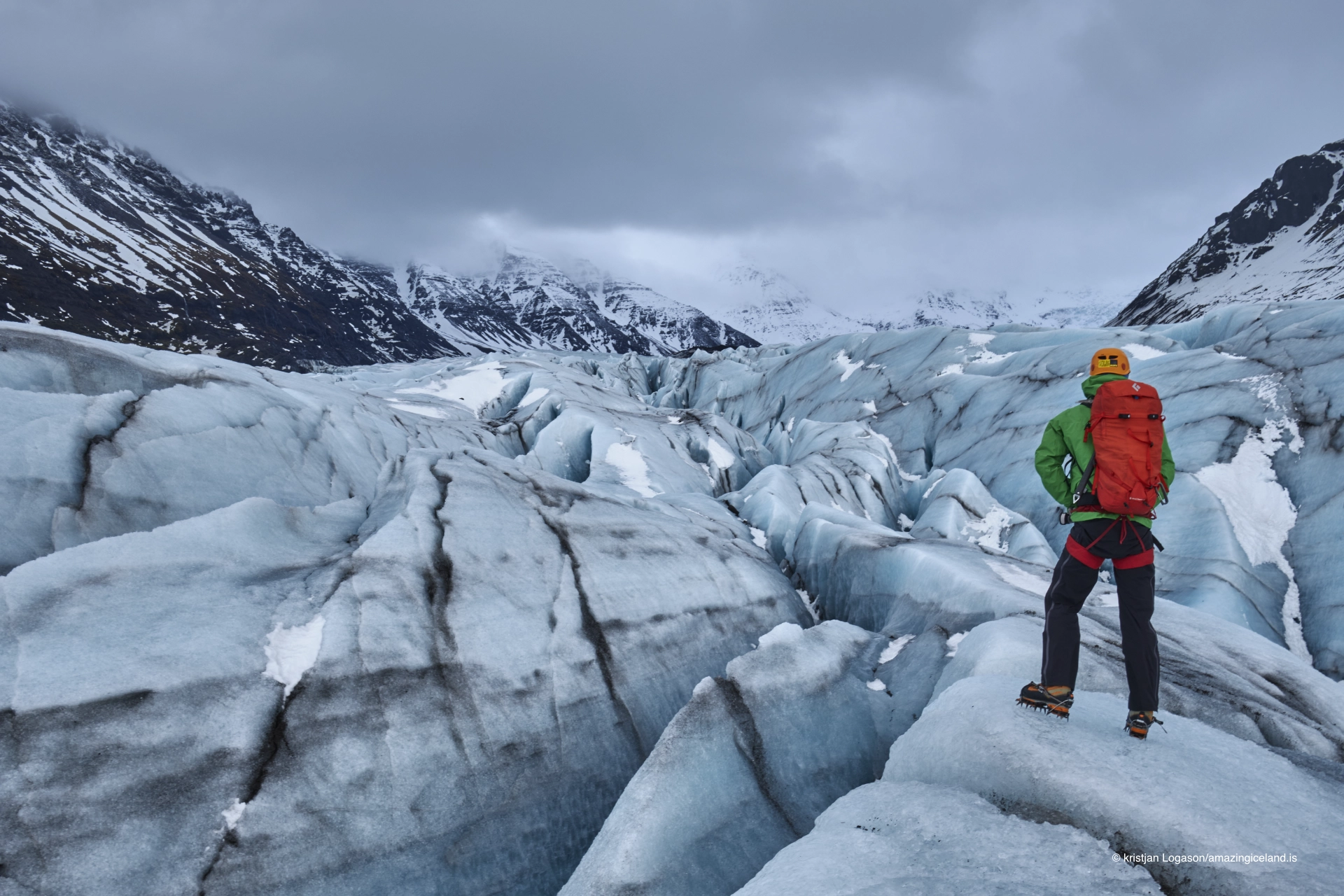
Kristjan is an awesome guide and always tries to over deliver. We just did a 3-day tour with him through glacier hikes, glacier caves, tons of waterfalls and landscape, and the golden circle. We couldn't have spent better money than we did on this trip. Before you book any individual tours, you should definitely consider this company first.

Kristjan is an amazing guide! He knows Iceland and everything in the trip so well. A very knowledgeable guide and friendly. Enjoyed the trip so much and he made the trip incredible and fun!!!

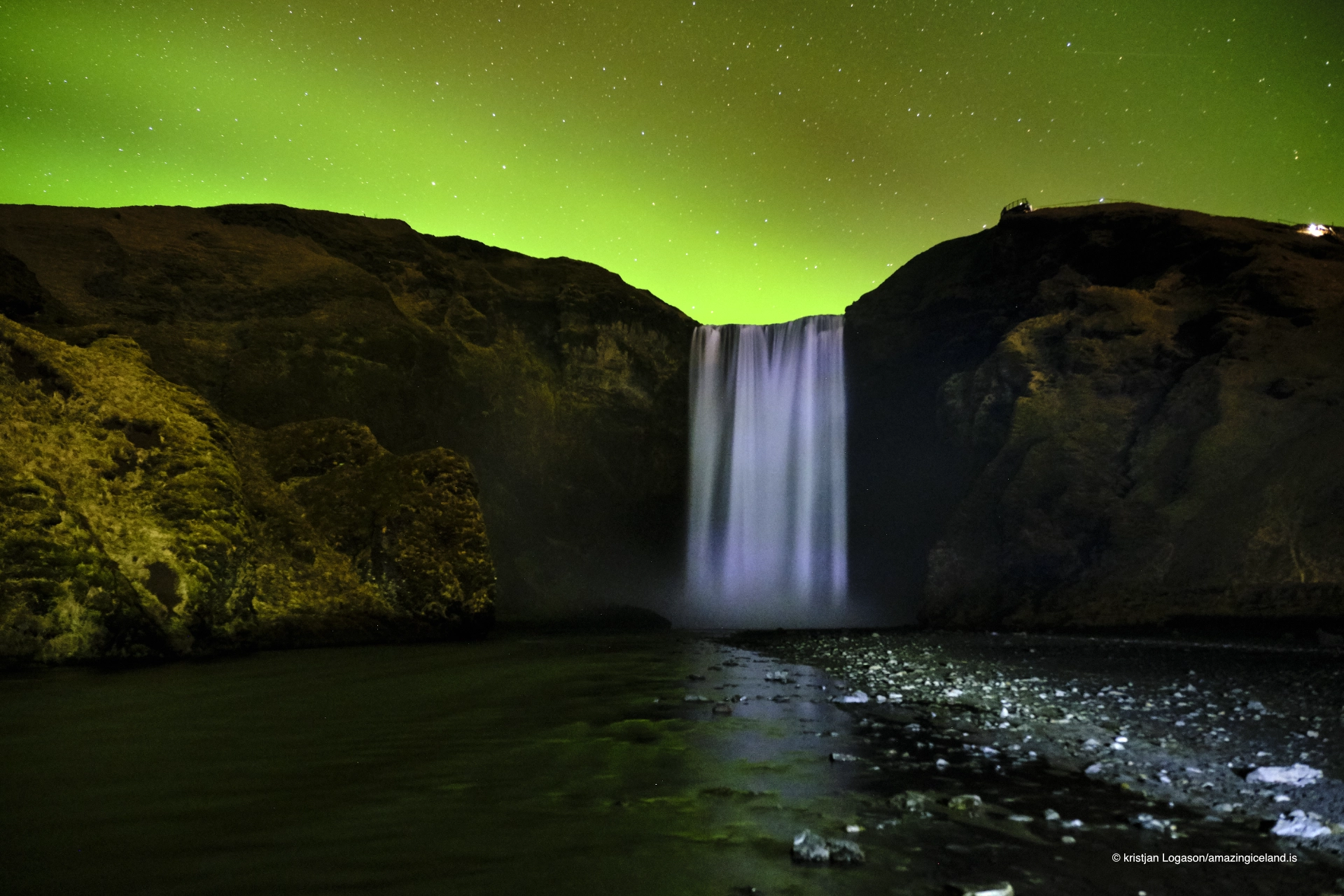
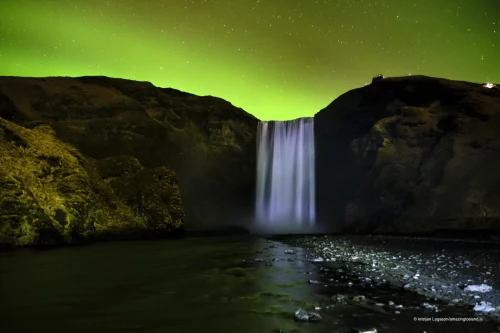
Kristjan is an incredible guide. He knows Iceland like the back of his hand. We just finished an incredible journey with him last week. He has an amazing knowledge of Northern lights and goes through 5 websites to give you a good tour. We had some snow also and he rescheduled our tour to give us an incredible experience.

Christian was awesome. I think he taught us more than any other guide could have. Not just the average tour guide. Defo recommending it to my friends. Thanks Christian!

Just done the Northern lights tour thought I'd never see them it was raining, snowing but he delivered & I got my first sighting it was amazing thanks